DAB+ radio,
made for the car.

DABplay+ plays straight from a cheap USB DAB+ dongle on your Android head unit. Big tiles, big text, few taps: made to be used while driving.

Free and open sourceNo ads, no account, no trackingAndroid 8 and up
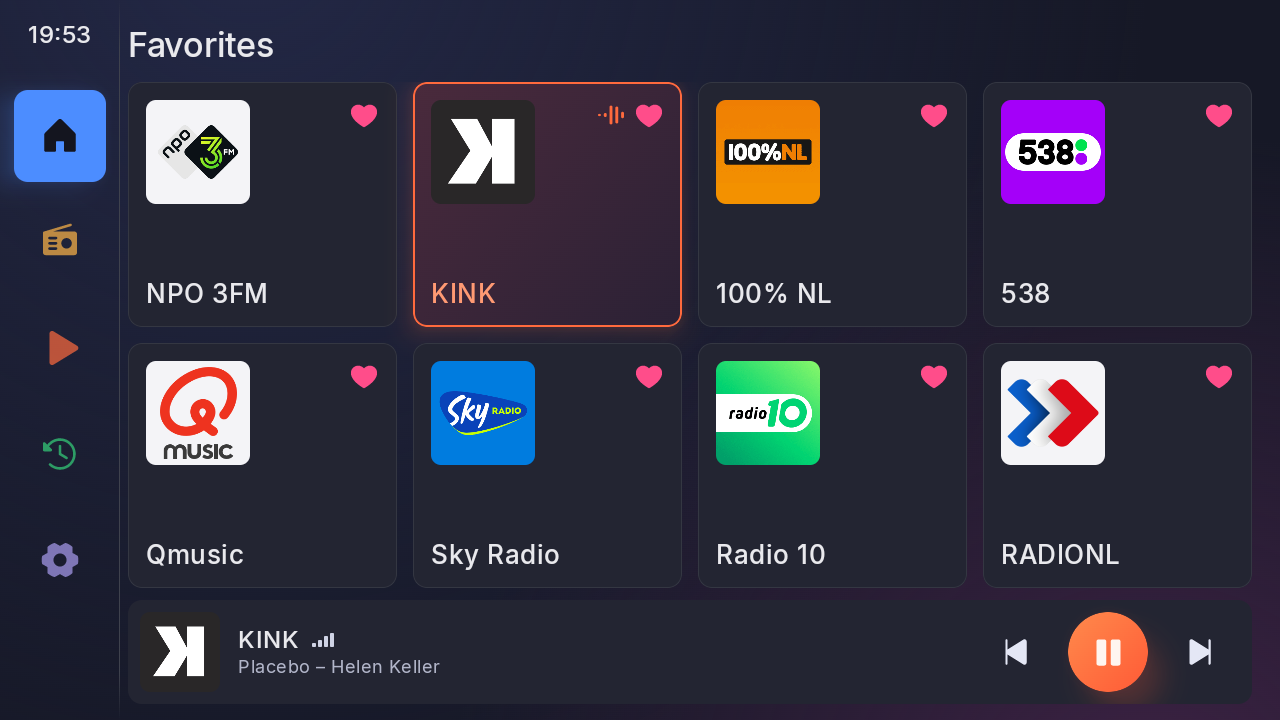
DABplay+ on a head unit: eight favourite stations as big tiles
Features

Everything a car radio should do

Everything comes from the broadcast itself, so it works without internet. When there is a connection, it fetches station logos too.

Favourites at a glance

Eight big tiles on one screen, up to 24. Long-press and drag to reorder.

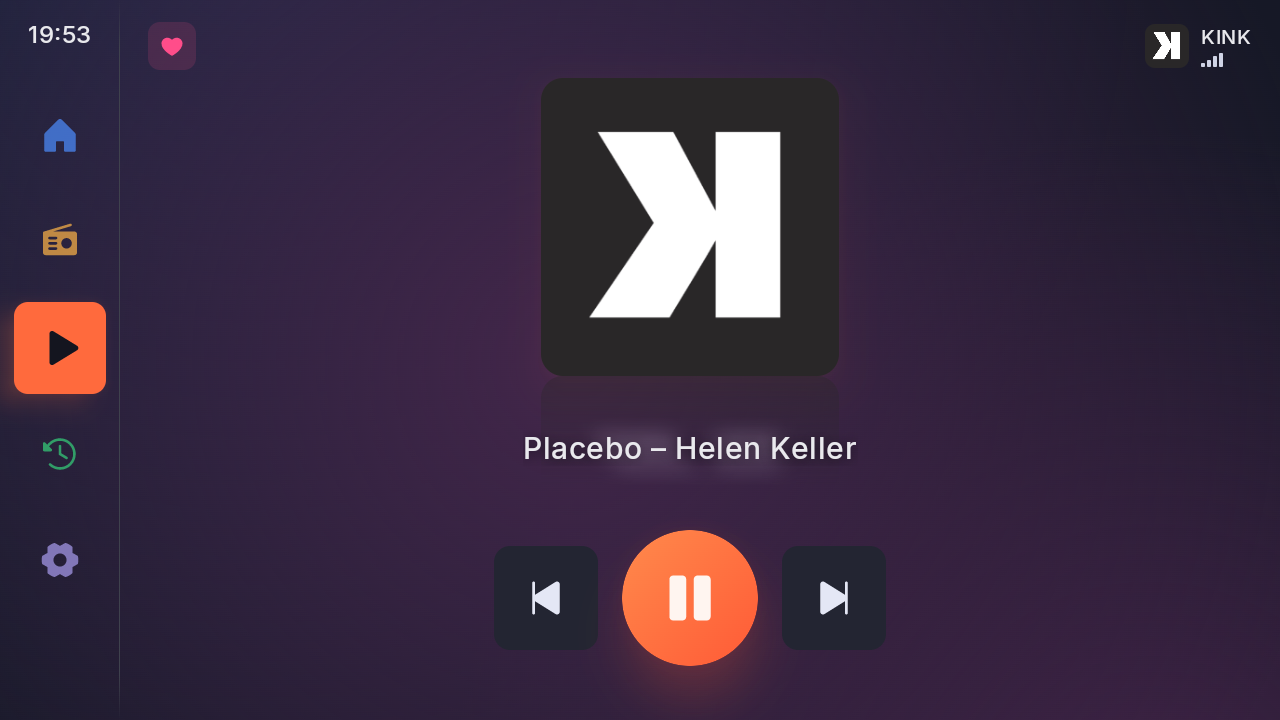
What's playing

"Artist – Title" from the broadcast, and the station's slideshow, shown whole.

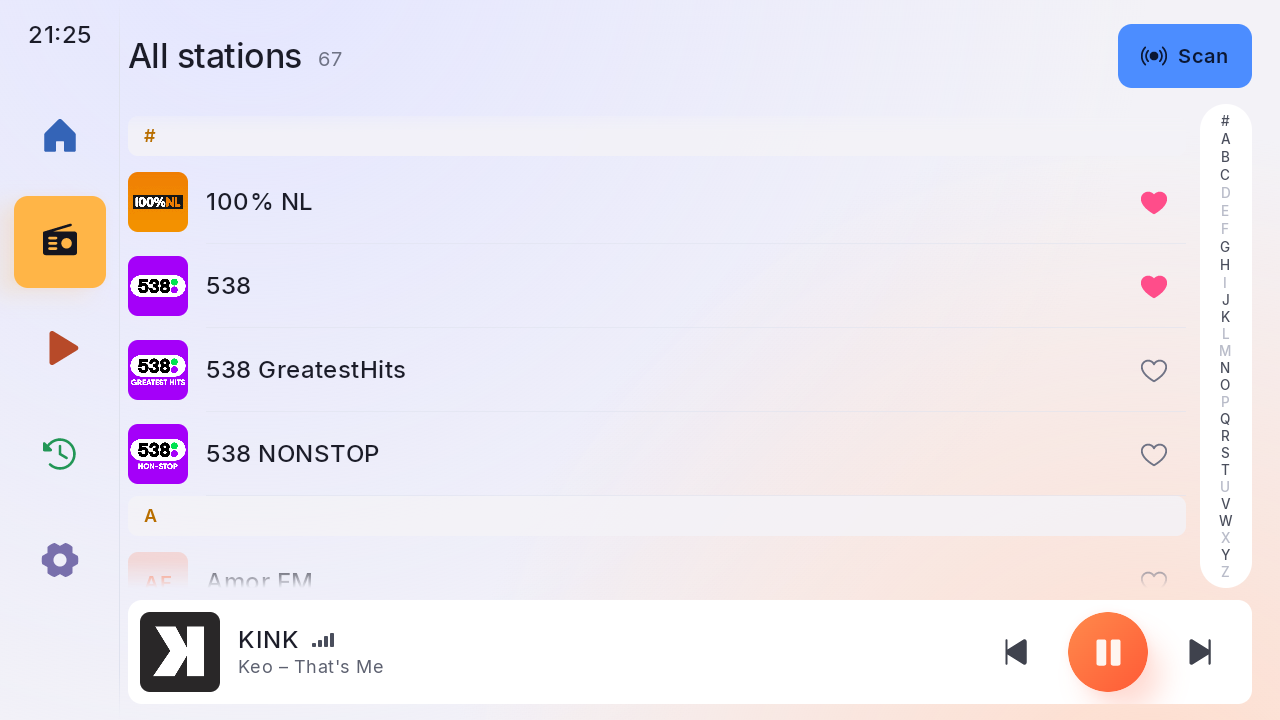
Station logos

Downloaded by themselves when you're online, then kept. Offline, all else still works.

DAB+ and DAB

Both, with its own decoder for classic DAB (MP2) stations.

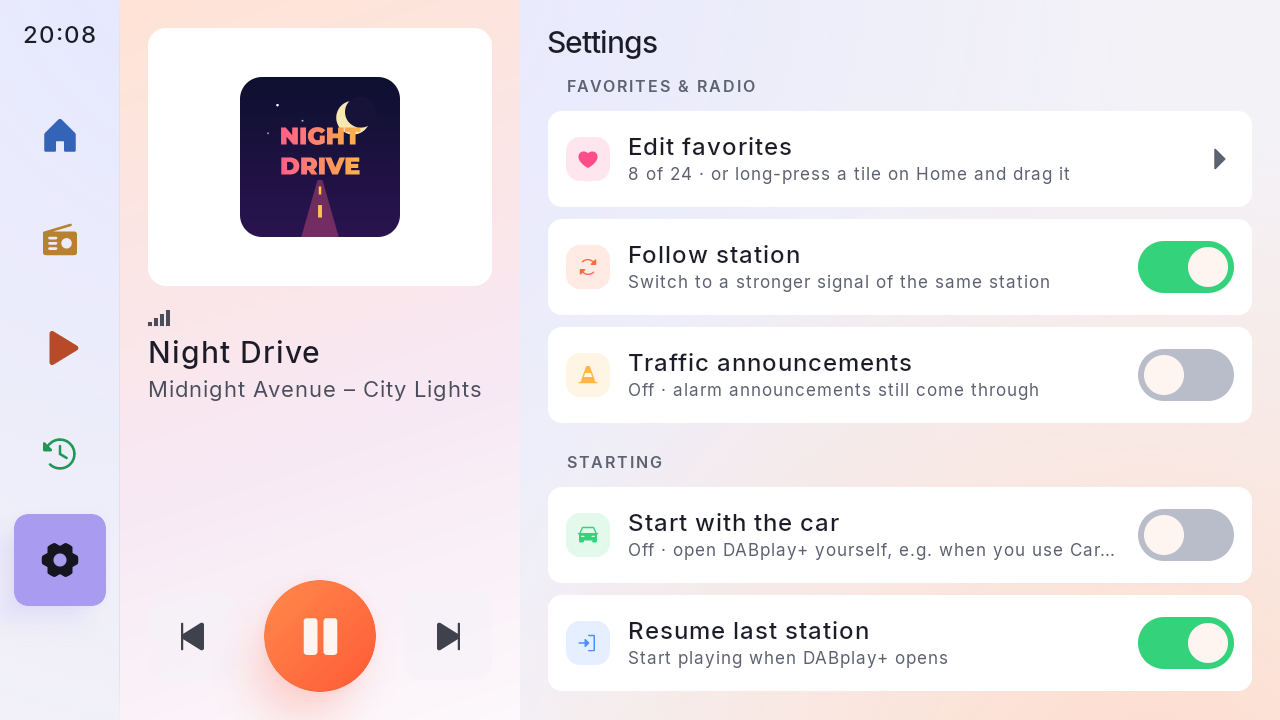
Follows your station

Signal gone? It finds the same station on another multiplex, and is back right after a tunnel.

Plays nicely in the car

Silent during calls, quieter under navigation, steering-wheel buttons, resumes the last station.

Traffic announcements

Optional: switches to traffic news and back, with a Skip button.

Your way

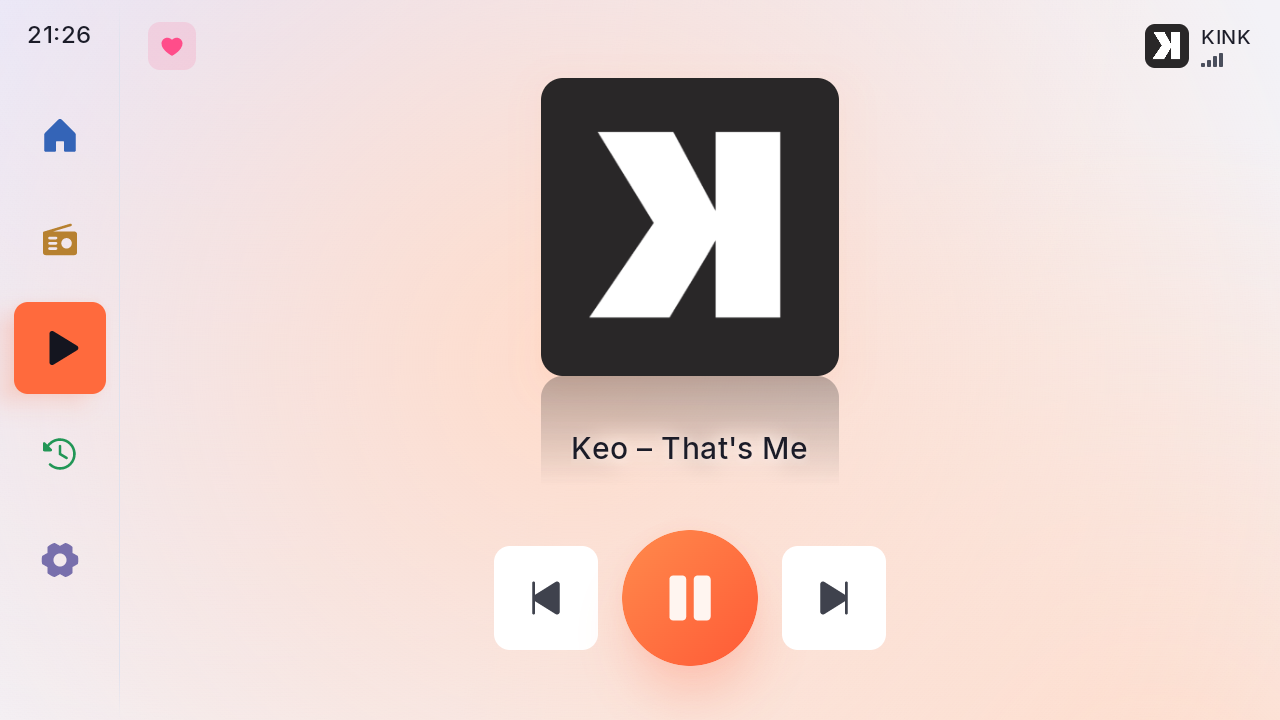
Day and night theme, four background tints or pure black at night, controls on the driver's side, player bar or side panel.

Screenshots

Easy to read at a glance

Designed on a 1280 × 720 head unit. It also fits phones in landscape, smaller head units and larger screens.

Dongles

Which USB dongle?

DABplay+ talks to the dongle directly; no other app needed.

Tested

wRadio C100 / DTR-100

"DAB+ Receiver for Android Navigation", single antenna, sold under many brand names. USB ID 16c0:05dc.

Untested

Written, not tried yet

C100 Dual Antenna, Si4684 modules (Eonon A503, XFA-DAB220), Siano Rhine800 / Denver TDMB. Have one? Tell us how it goes: Settings → Diagnostics log makes a file to attach.

Not supported

Siano "Rio"

It needs vendor firmware that can't be distributed.

What's new

Version 1.4.0

Released 2026-10-29. DABplay+ keeps improving, often after reports from people using it in their car.

1.4.0

New
  • Phones and other screen sizes: DABplay+ now fits screens other than the 1280×720 head unit it was designed on. On a phone in landscape it is drawn a bit smaller, on large screens a bit bigger, and on smaller head units (1024×600, or 1280×720 at a higher density) the tabs, tiles and side panel adjust to the space. Before, the bottom tabs, Settings among them, could fall off the screen.
Changed
  • On a screen too narrow for the side panel, the panel layout shows the player bar instead; Settings → Layout says so.

All versions in the changelog →

Install

Up and running in a minute

  1. Download

    Get the APK from the GitHub releases page.

  2. Install

    Open it on the head unit and allow installing from this source.

  3. Plug in and scan

    Allow DABplay+ to use the dongle. The first scan takes under a minute.

Ready for the road?

Version 1.4.0 (what's new) · Android 8 and up · under 3 MB

Download DABplay+

Rather use Google Play? DABplay+ is in a closed test there. Join the tester group, then become a tester with the same Google account. No dongle needed to help.